Open a room from a tab
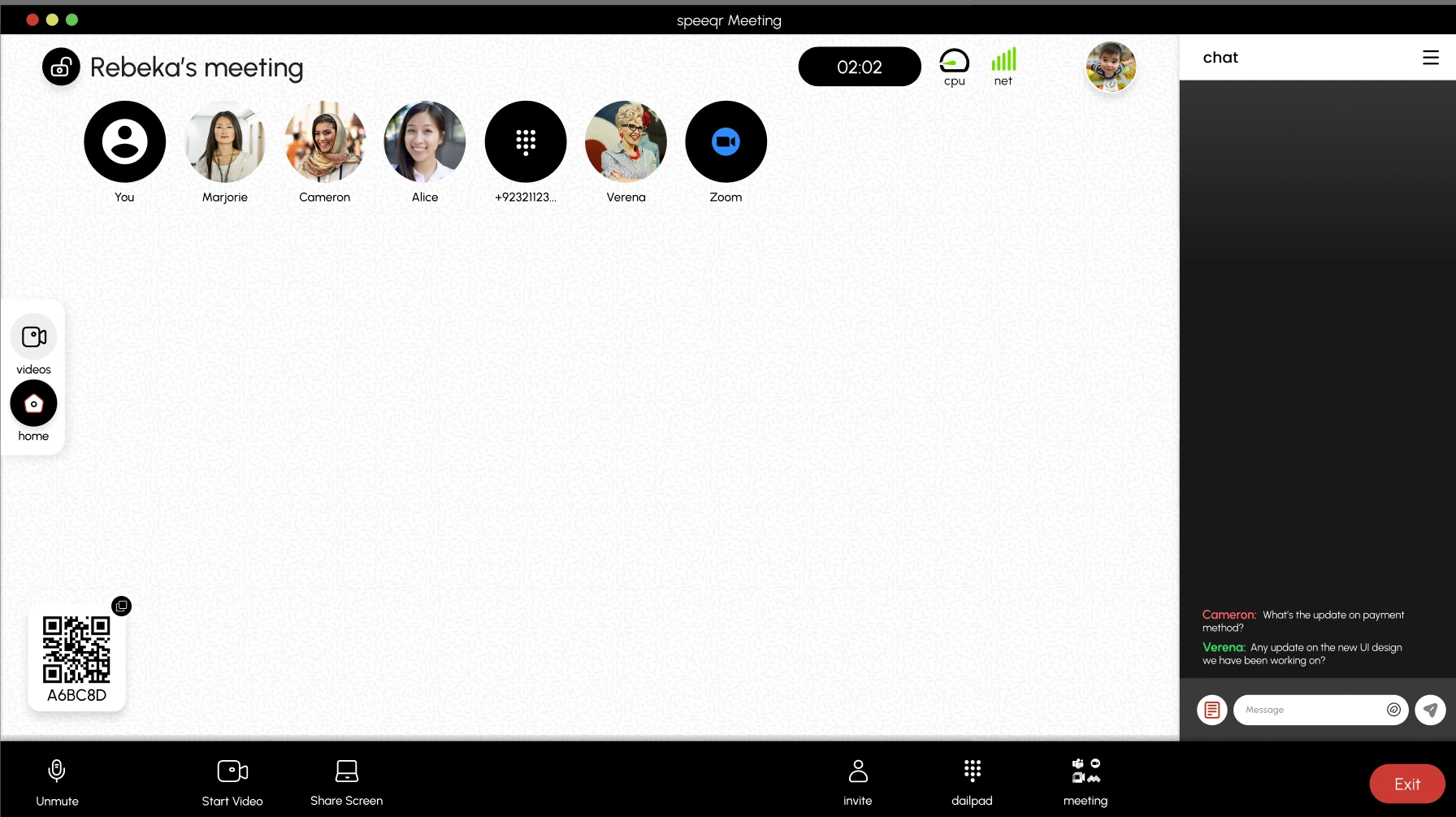
Go to speeqr.com, press start, and you get a six-character code plus a QR card you can put on screen. Nothing to download, no account to create, no admin rights needed on a locked-down work laptop.
The desktop side of Speeqr is where a call is created and run. You host the room, put the code on screen, and everyone else joins from whatever device they walked in with.
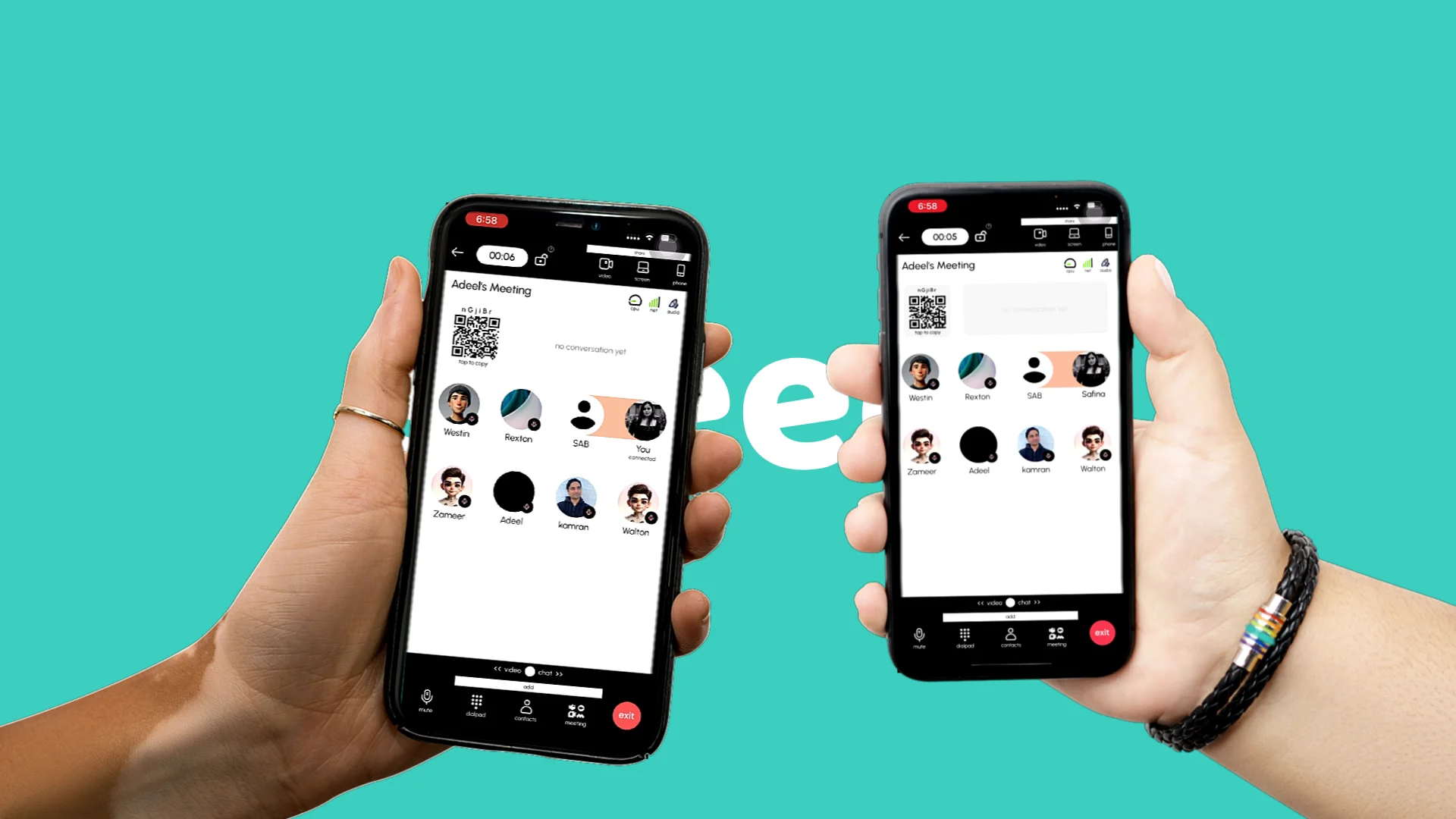
Every phone and laptop in the room is a microphone and a speaker. The browser hosts the room.
Go to speeqr.com, press start, and you get a six-character code plus a QR card you can put on screen. Nothing to download, no account to create, no admin rights needed on a locked-down work laptop.
The desktop view is the control room: see who is connected, mute a noisy participant, lock the room, or end it for everyone in one click.
Speeqr merges the audio from every device in the room into one clean channel and plays incoming audio in sync on all of them, so you get full-room coverage without echo or feedback.
Codes are single-session. Close the room and the code stops working, so there is no permanent dial-in number.
Built on WebRTC and standard browser audio APIs, so the same page works on Windows, macOS, ChromeOS, and Linux without a per-platform build.
| At a glance | Speeqr | Hardware |
|---|---|---|
| Setup time before the first call | Seconds | Procurement, cabling, firmware |
| Cost per additional room | None | A new device per room |
| Guests joining from outside | Scan or type a six-character code | Dial-in bridge and PIN |
| Coverage for a long table | Every seat, merged | One mic in the middle |
A booked room with no working speakerphone and a call starting in two minutes.
Client calls where the other side will not install software to talk to you.
Shared or hot-desk laptops where you cannot install anything at all.
Rooms you use occasionally and could never justify buying hardware for.
Every device in the room listens and plays, in sync.
Explore Speeqr for Mobile