Every mic is merged
Speeqr merges the audio from every phone in the room into one balanced stream, so the far end of the table is heard as clearly as the middle.
The phone in your pocket is a better microphone than the box in the middle of the table, mostly because it is closer to you. Speeqr uses that.
Four things happen the first time you join, and three of them take a second.
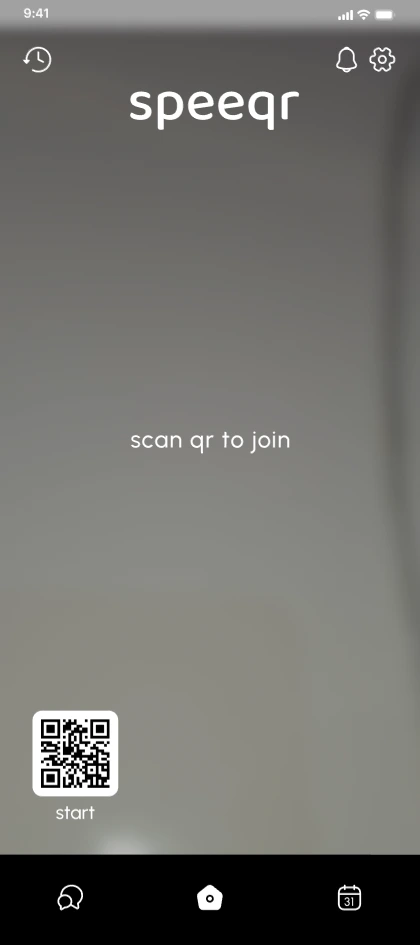
The host puts the QR card on the room screen. Your phone camera opens the room in the browser. No app store visit, no invite email to find.
No screen to scan, or joining from the road? Open speeqr.com, type the code the host reads out, and you are in the same room.
One permission prompt per device. Joining from your browser only asks for the microphone.
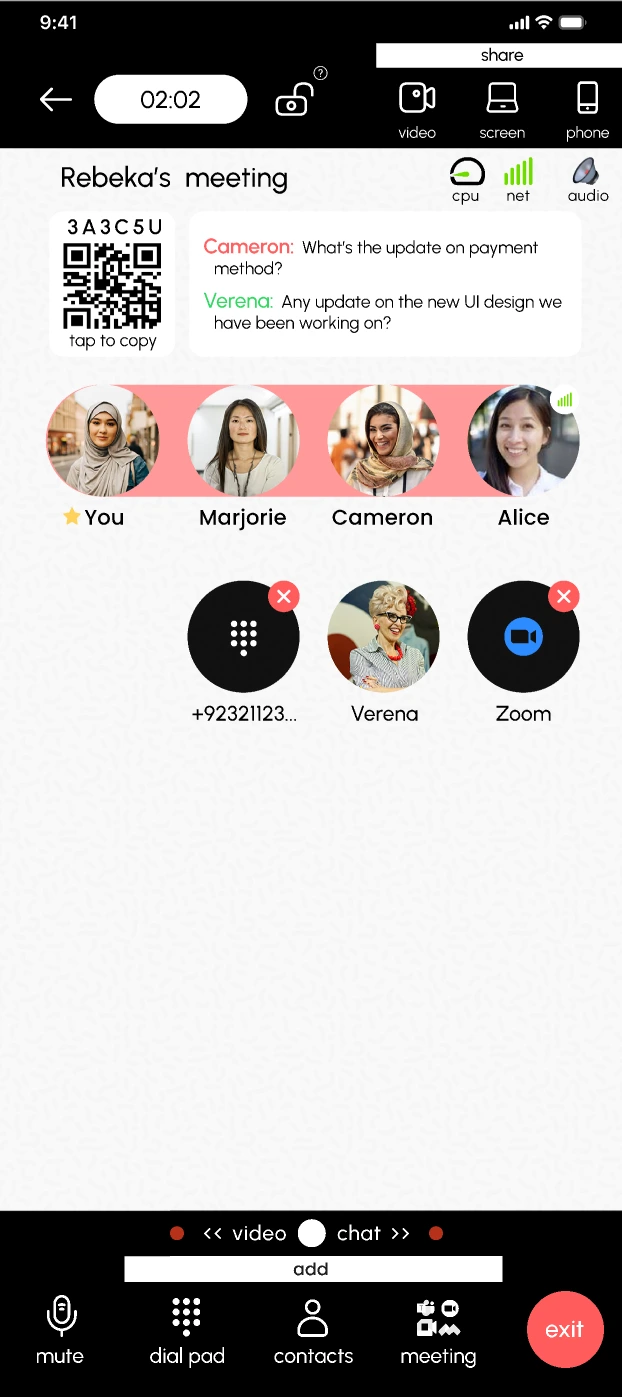
Screen down or face up, it does not matter. Your phone is now one of the room microphones. Incoming audio plays in sync on every device in the room.
Speeqr merges the audio from every phone in the room into one balanced stream, so the far end of the table is heard as clearly as the middle.
Incoming audio plays in sync on every device in the room. Phones dialing in from elsewhere get their own audio path, so nobody has to remember which mode they are in.
Audio-only streams degrade gracefully. On hotel Wi-Fi, in a taxi, or on a warehouse floor, the call thins out rather than dropping.
No video encoding pipeline and no always-on screen means a long call costs you a fraction of what a video meeting does.
Mute, unmute, and leave are large targets at the bottom of the screen. Usable without looking while you are still talking.
Walk out of range or take another call and the room stays open. Come back and the same code puts you straight in.
Someone still has to host the room.
Explore Speeqr for Web